Before Simply Coach, I was juggling multiple tools for scheduling, note-taking, goal tracking, and resource sharing. Now it’s all centralized in one platform, which has freed up hours each week to focus on my clients instead of my inbox.
Audrey Jeanrod
Founder – BeBest Coaching
After almost 25 years of having my coaching practice I decided it was time to automate my client tracking and scheduling. SimplyCoach has been extremely helpful in streamlining my admin practices, staying connected to my clients, enhancing accountability and tracking commitments. The team at SimplyCoach makes this a very personal experience. They want you to succeed at using their system and they continue to enhance the product and are very open to your feedback.
Richard Magid
Founder & President – SoundBoard Consulting Group LLC
Simply coach has thought of everything that I would need as a coach. From scheduling, electronic contracts, payment management to support!
Chris Davis
Kingdom Marriage Consultant, Stay Married Movement
How does Simply.Coach's scheduling software help coaches save time?
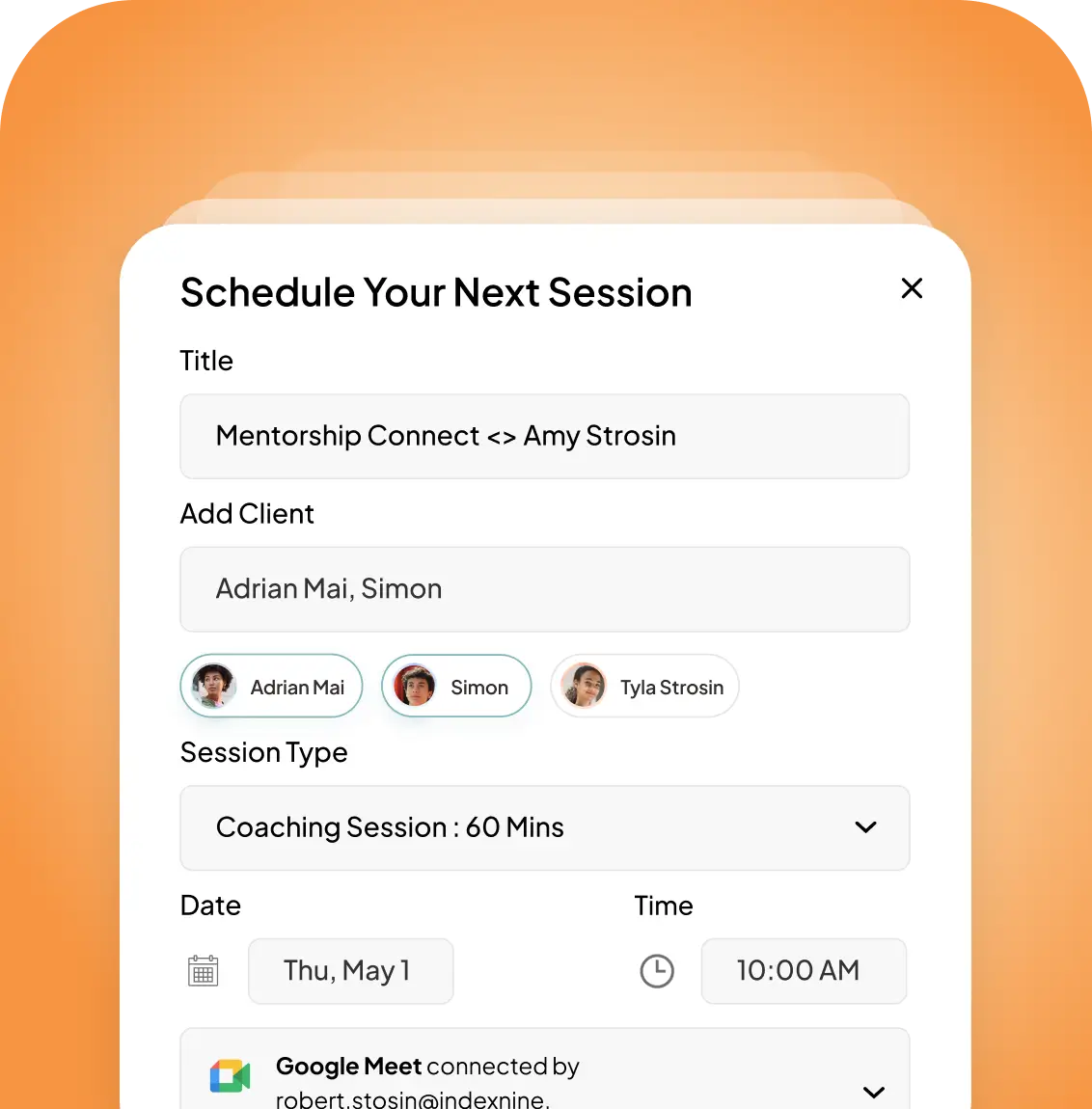
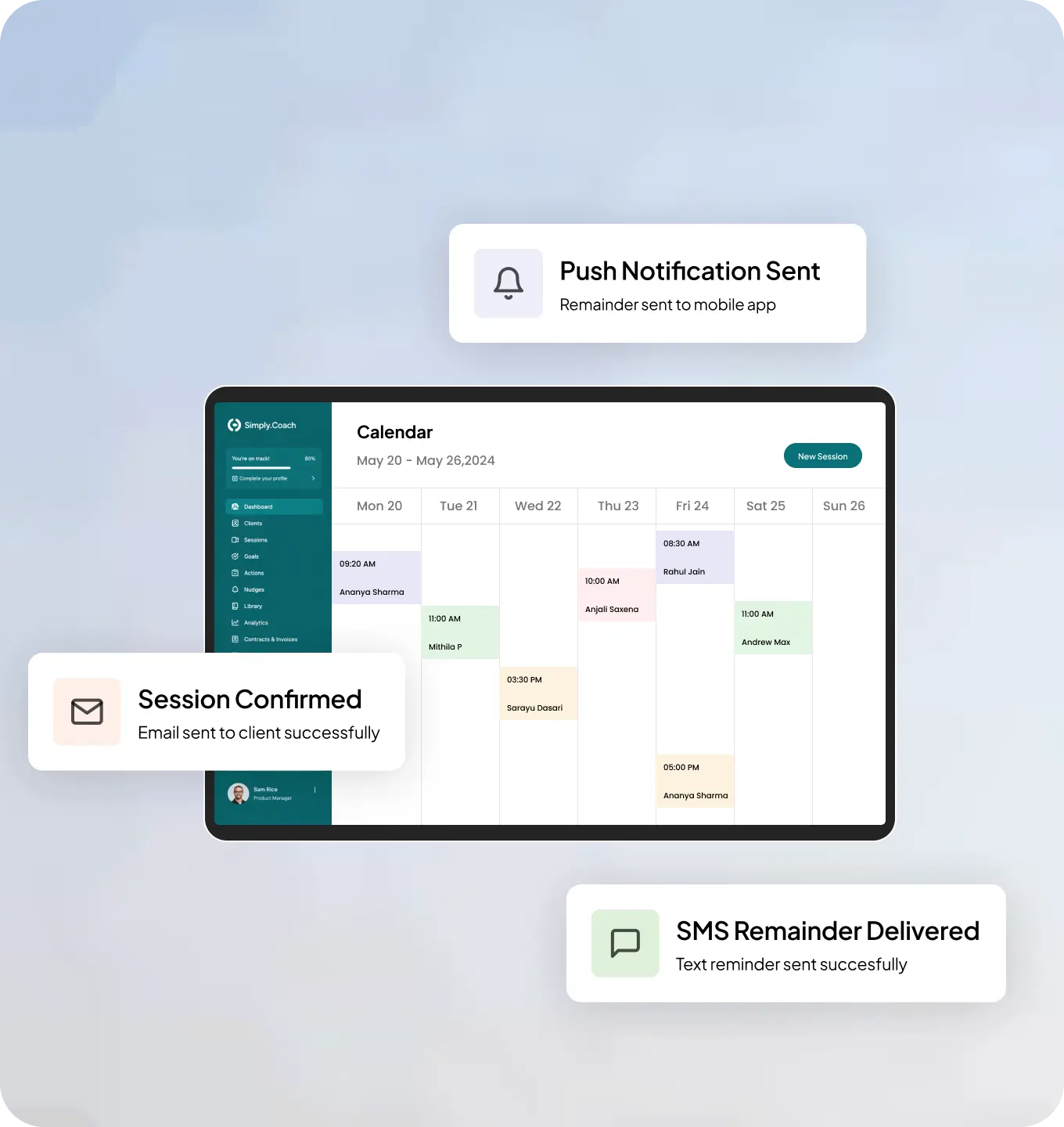
Simply.Coach eliminates the back-and-forth of scheduling by giving clients a self-booking page based on your real-time availability, automating confirmation emails, reminders, and pre/post-session forms, and syncing everything across your calendars automatically. From first booking to final session, the coordination is handled, so you don’t have to think about it.
How much granularity does the tool offer?
You can:
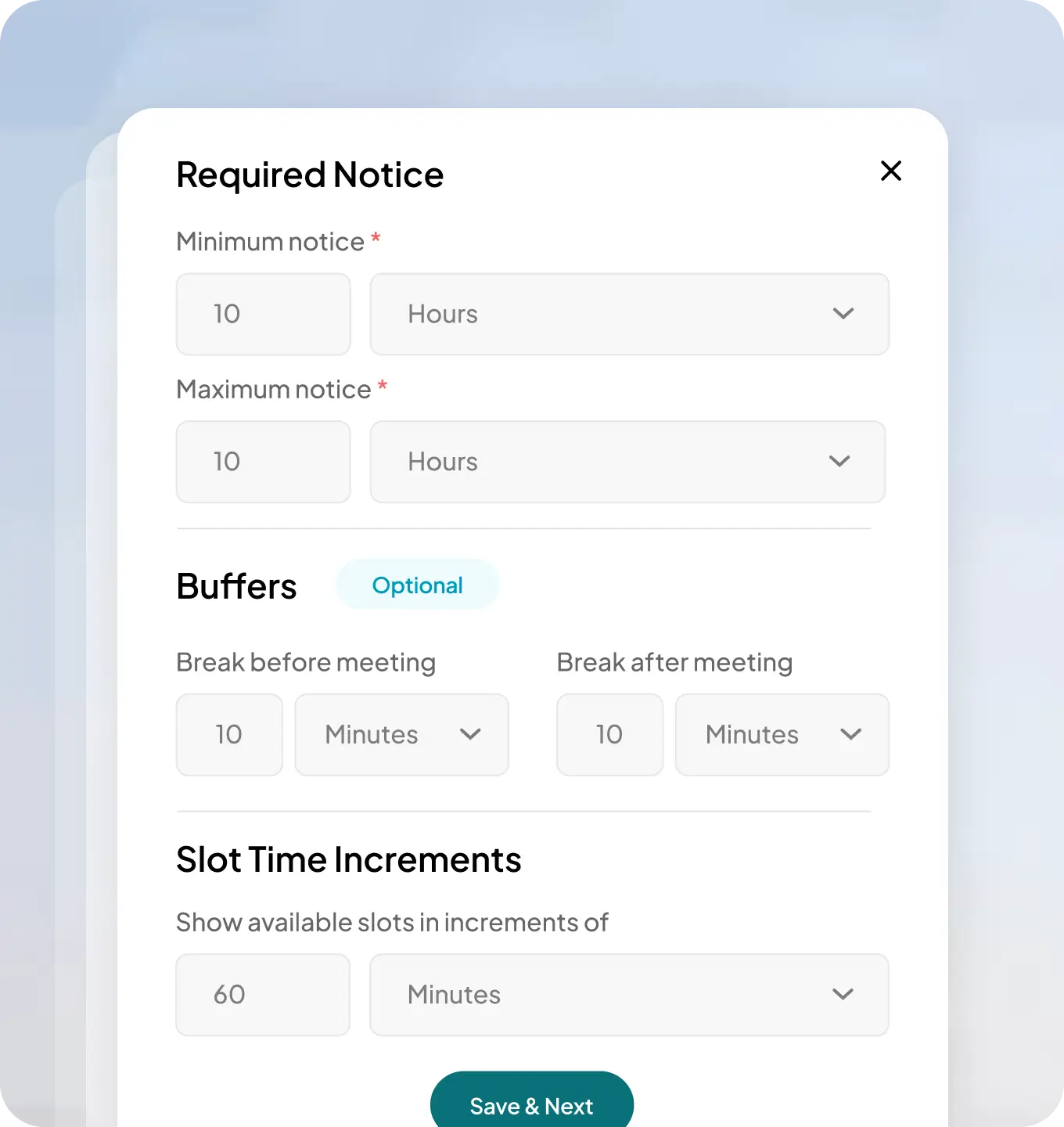
Set session slot increments to control the granularity of your bookable windows
Create custom, named, colour-coded session types (e.g. “Discovery Call,” “Coaching Session,” “Milestone Review”) with configurable durations and billable/non-billable status
Per-engagement toggle controls let you give some clients full self-scheduling freedom and restrict others entirely
How granular is the scheduling control per client?
Very. Scheduling autonomy, reschedule capability, and cancellation capability can all be configured per client individually — so you can give some clients full self-scheduling freedom and restrict others entirely. You can also create custom, named, colour-coded session types with configurable durations and billable/non-billable status, set slot increments to control your bookable windows, and assign different availability schedules to different clients or offerings.
I already use a separate scheduling tool like Calendly, Acuity, or HoneyBook. Does Simply.Coach integrate with them?
Simply.Coach doesn’t integrate with external scheduling tools because it replaces them entirely. Tools like Calendly, Acuity Scheduling, and HoneyBook handle bookings in isolation. Simply.Coach’s scheduling is built into the same platform where you manage clients, run sessions, take notes, send forms, track goals, and handle invoicing. When a session is booked on Simply.Coach, it automatically triggers reminders, forms, and action plans — something a standalone booking tool connected via integration can never do seamlessly. Switching means one less tool to configure, one less subscription to pay for, and a scheduling experience that’s actually connected to your coaching practice.
Which calendar providers does Simply.Coach support?
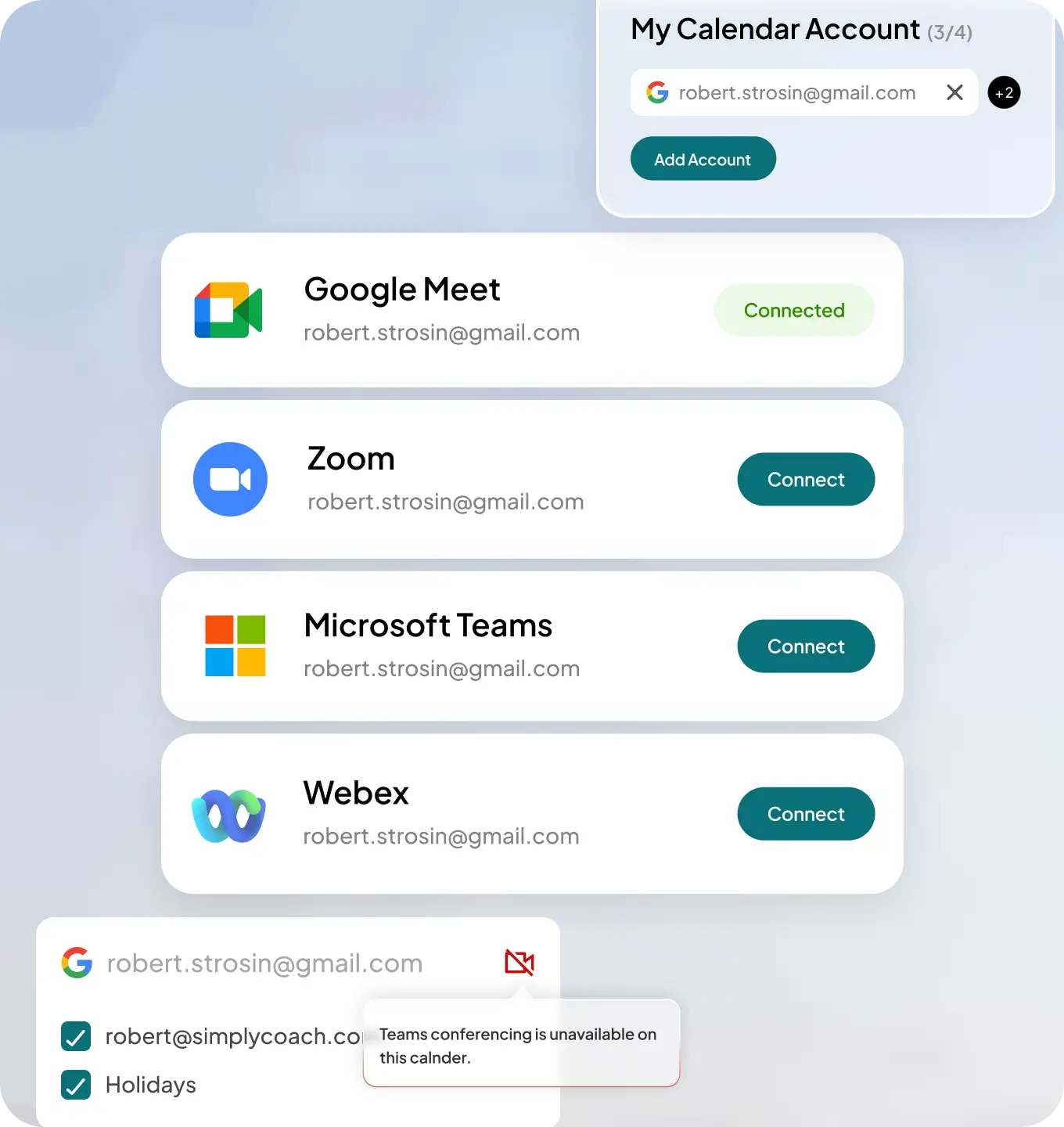
Simply.Coach has certified integrations with Google Calendar, Microsoft Outlook, and Apple/iCloud Calendar. For video conferencing, it connects with Zoom, Google Meet, Microsoft Teams, and Cisco Webex — with the right conferencing link automatically applied to every session.
Will clients be able to see my personal calendar events?
No. Clients only ever see your open, bookable slots — never the underlying events in your calendar. Your personal appointments, private commitments, and blocked time are completely hidden. Simply.Coach reads your calendar for conflict detection only.
Is Simply.Coach's calendar integration safe and compliant?
Yes. Simply.Coach’s calendar integrations are certified and official, not third-party workarounds. The platform is SOC2, HIPAA, and GDPR compliant, which means all session data, client information, and calendar connections are fully encrypted and protected to the highest security standard. It is the only coaching scheduling software with this combination of certifications.
Can clients reschedule or cancel without logging in?
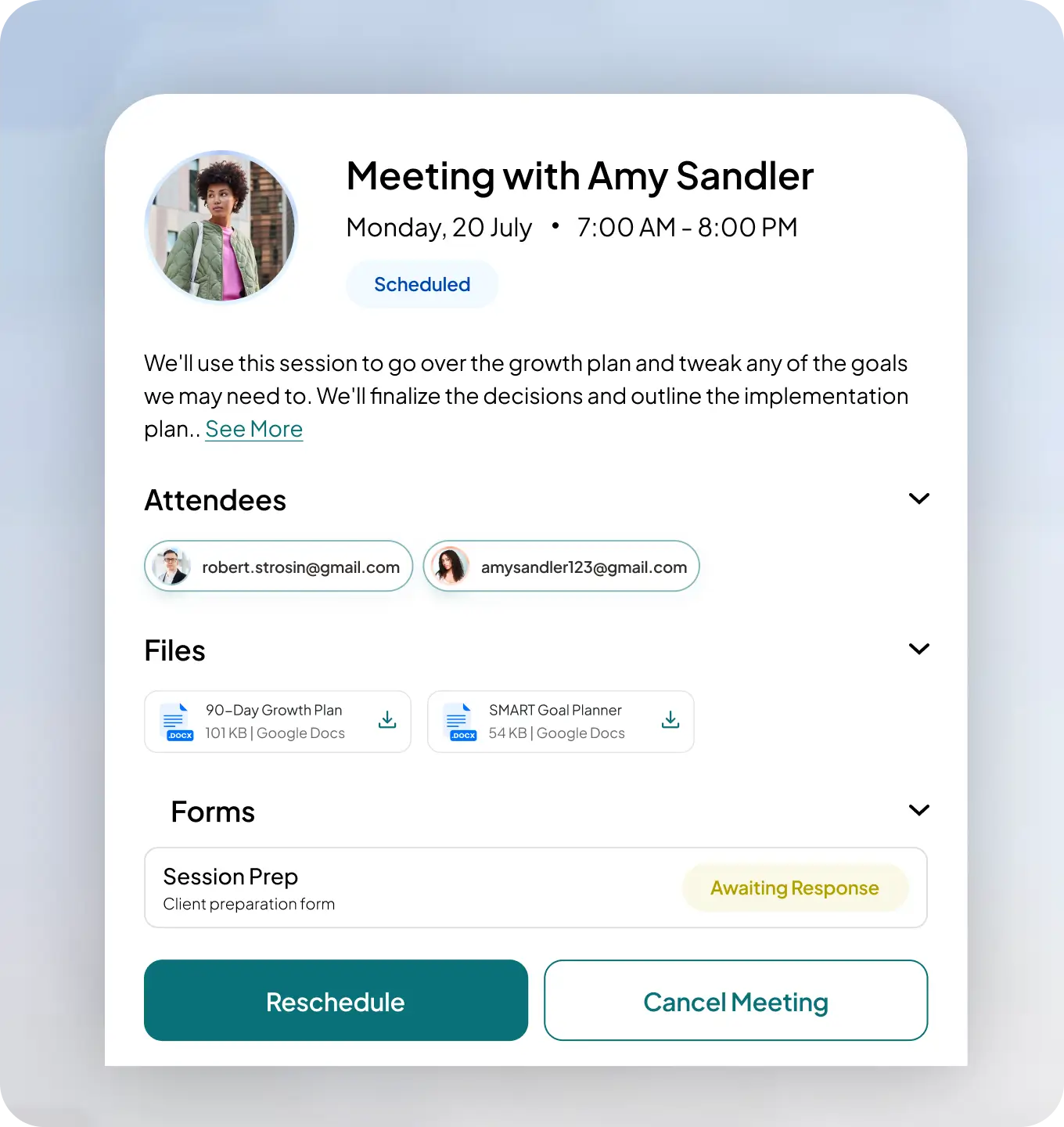
Yes. Clients can reschedule or cancel directly from their session confirmation email or calendar invite — without needing to log into Simply.Coach at all. You can also set a cancellation window: once it closes, clients can no longer make changes unilaterally, protecting your time and billable session count. Late cancellations of billable sessions are automatically counted as completed.
Does Simply.Coach support in-person coaching sessions?
Yes. Coaches can add physical locations to their offerings, and clients can choose between virtual and in-person sessions at the time of booking. Simply.Coach supports both online and offline coaching models within the same platform.
Can I embed my booking page on my own website?
Yes. Simply.Coach’s booking page can be embedded directly on your website. This means clients can book or enquire without ever leaving your site, and without needing a separate booking tool. You can also share a public booking link, or generate one-time-use links for specific prospects.
How much control do I have over my availability?
Complete control. You can set minimum and maximum booking notice windows, add buffer time before and after sessions, create named custom availability schedules (e.g. “Discovery Mondays,” “Premium Client Slots”) and assign different ones to different clients or offerings, override your availability for specific date ranges, set session slot increments, and keep certain session types private. Your calendar works the way your business works.
Can different coaches in my business have their own scheduling setup?
Yes. Each coach will connect their own calendar and conferencing accounts independently. Clients on shared engagements can be scheduled with different coaches, and each session automatically uses the right coach’s calendar and conferencing link. Session logs track each coach’s hours for utilisation and payout purposes.
Can I collect payment at the time of booking?
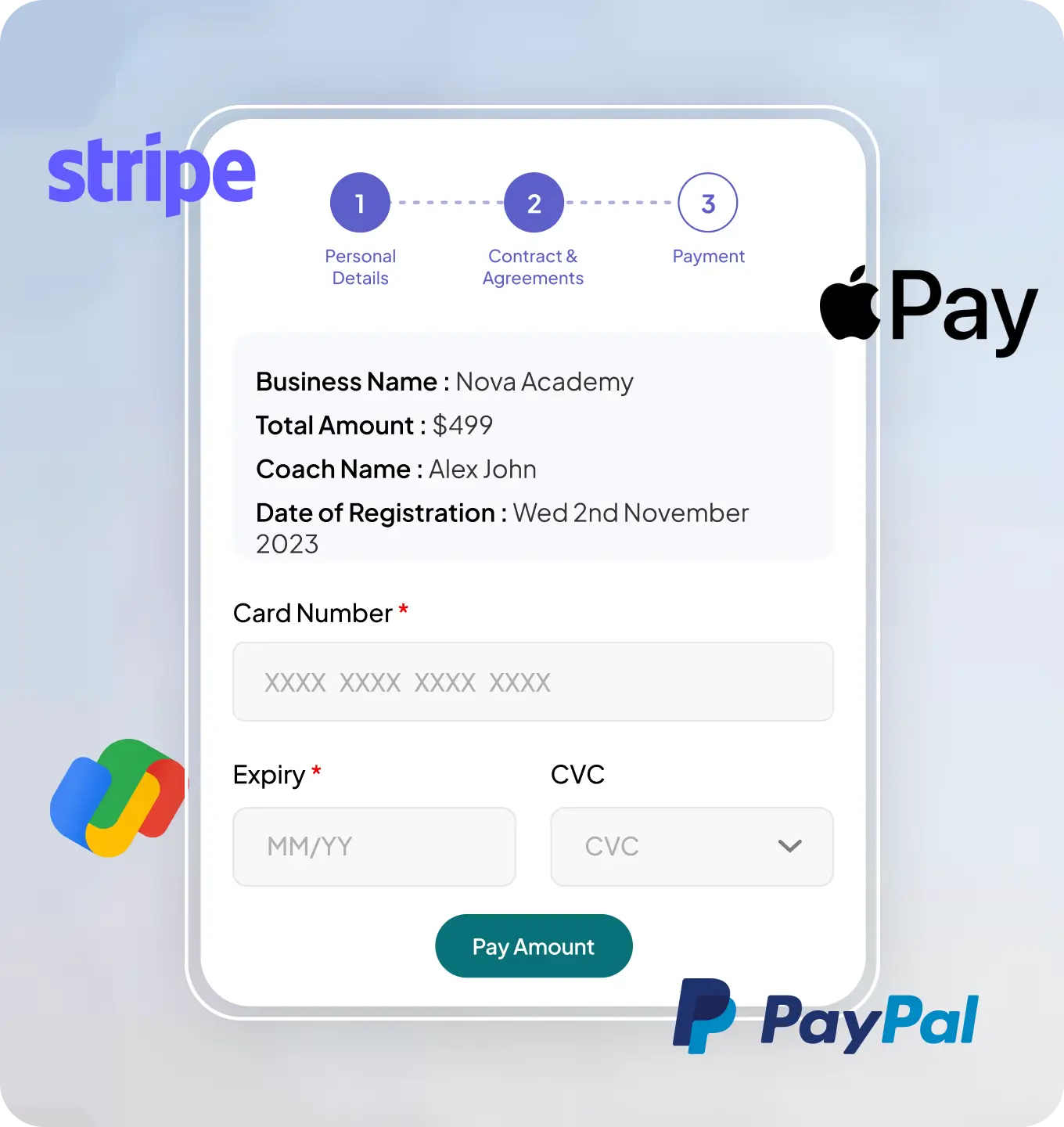
Yes. Payment collection is built into the booking flow, not a separate step. Clients can pay upfront for one-off sessions or packages via card, ACH, Google Pay, Apple Pay, or Buy Now Pay Later, through Simply.Coach’s Stripe and PayPal integrations. The full billing cycle — from booking to receipt — is handled within the platform.
How does form automation work with scheduling?
Simply.Coach’s form automation engine lets you create rules that send specific forms to specific recipients (client, coach, stakeholder) based on session type and timing — automatically, for every session in a series. For example: send a pre-session reflection to the client 24 hours before every “Coaching Session”, and a sponsor update form to the HR partner after every “Milestone Review”. Set it up once; it runs for the life of the engagement.
Can clients book a recurring series of sessions in advance?
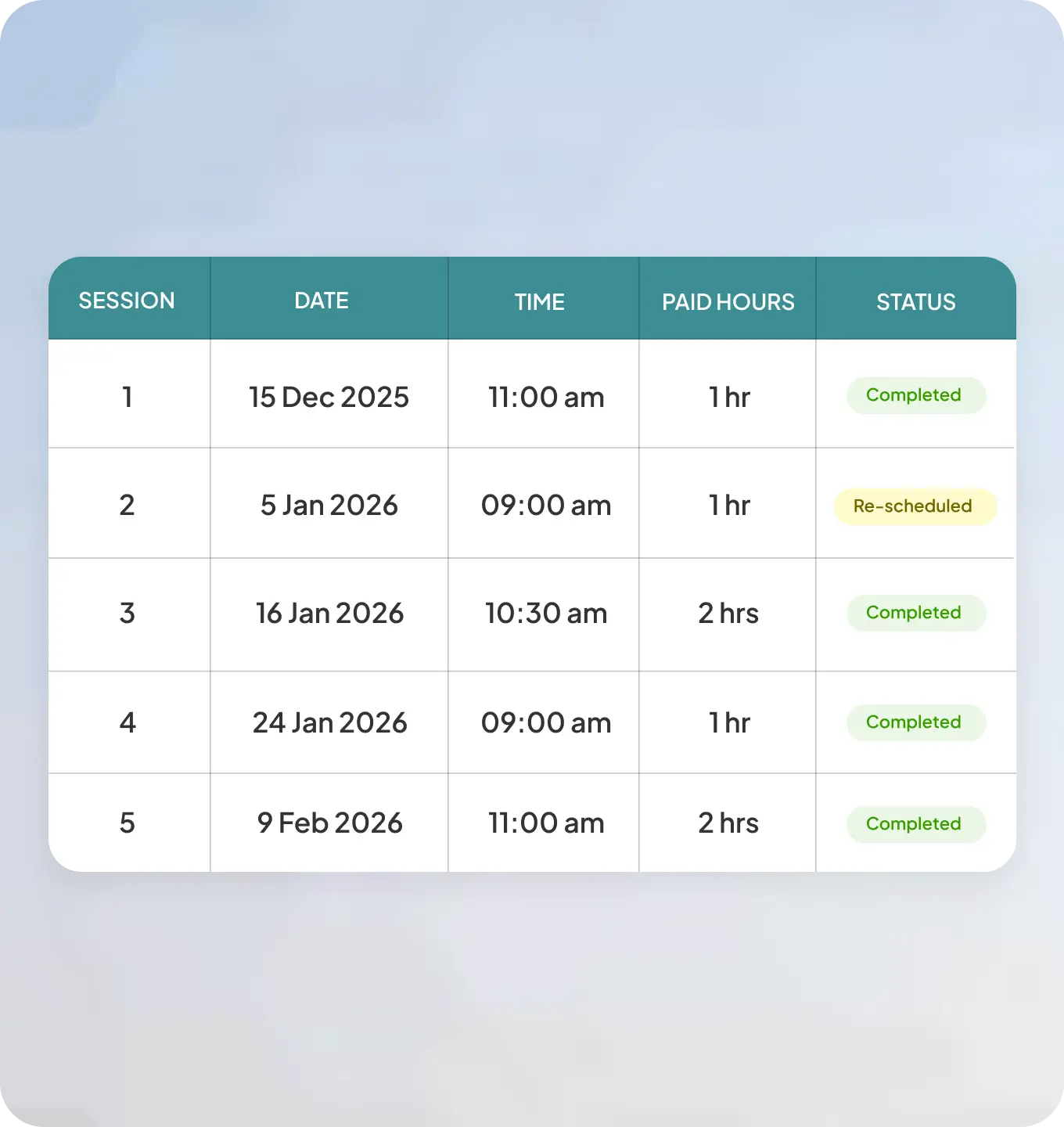
Yes. Coaches can set up a full recurring session series — weekly, biweekly, or monthly — and clients can book the entire series in advance. Every calendar invite, confirmation, and reminder goes out automatically for every session in the series. For structured coaching programs, session cadences can also be built directly into Simply.Coach’s Programs feature, so the full schedule is set up in one action.
Ready to let go of the mental load of scheduling?
Start your free 14-day trial and see how Simply.Coach's Scheduling tool (and the full platform) gives you back the hours you’ve been spending on logistics.